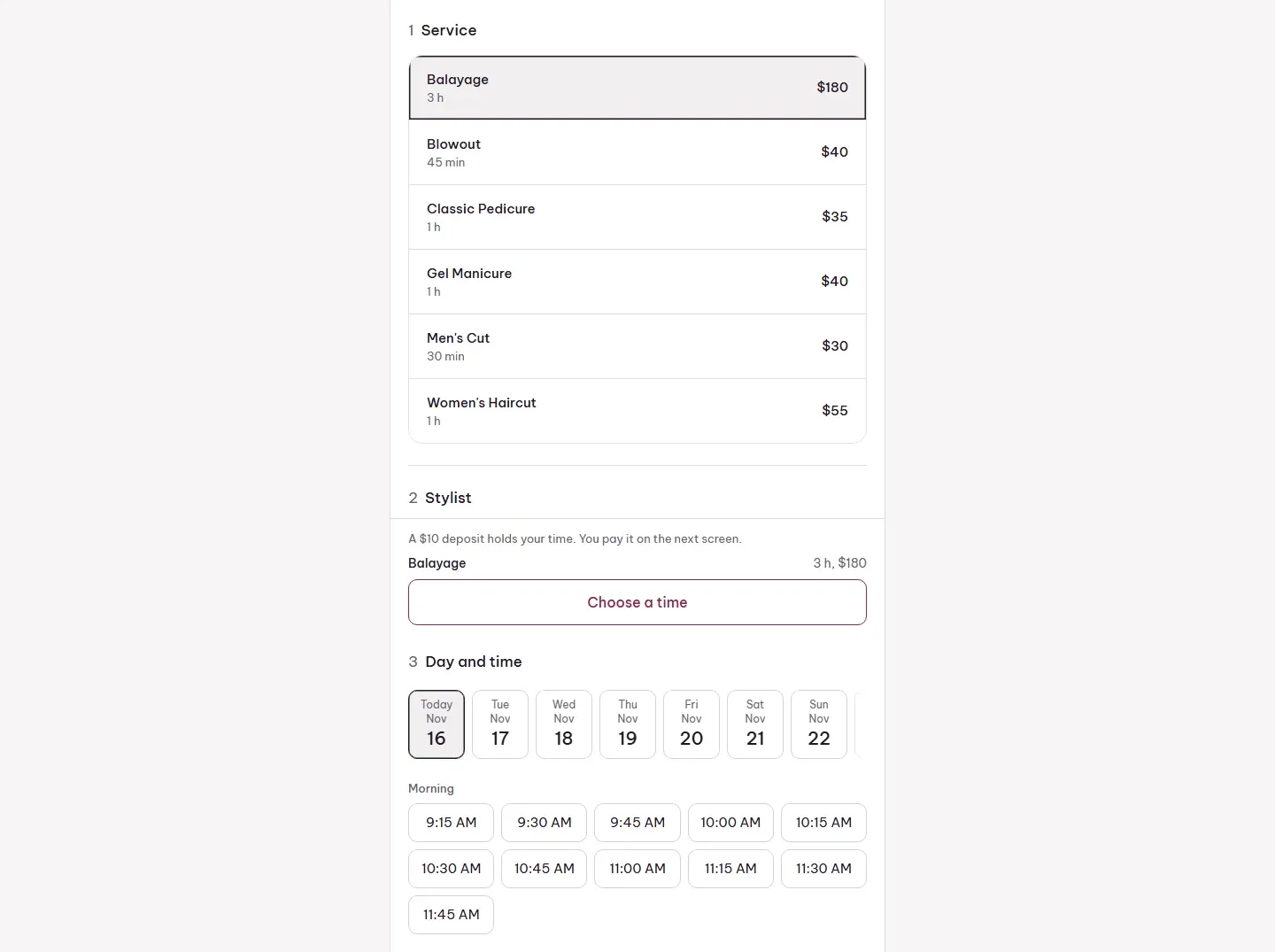
What it does
- An online booking page: services, stylist or anyone, day, time and details.
- Confirmation with a calendar file, a reminder a day before, and a link to change or cancel.
- An optional deposit through Clover’s checkout, or a saved card for a no-show fee.
- A day calendar with a column per stylist, a week view and a walk-in board.
- Check in, mark no-shows, and take payment on Clover’s payment screen.
- Services read from and saved to Clover.
- Staff hours, breaks, time off and closed days.
- Payroll per period: commission, booth rent, hourly from Clover’s time clock, and tips.
Good to know
Confirmation emails and text reminders aren’t switched on yet. There’s no waitlist.