What it does
- A minimum age per Clover category or item.
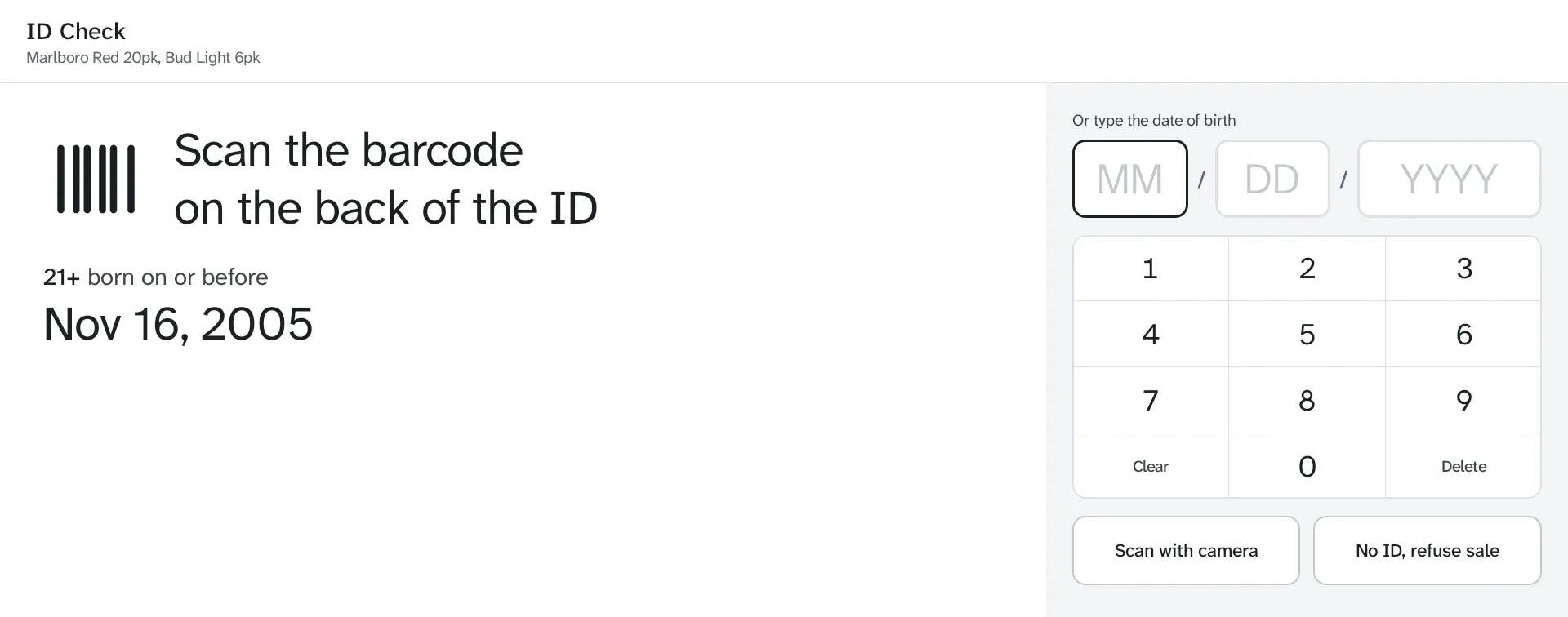
- The check opens by itself over Register when a restricted item is added, even offline.
- Scan the license barcode or type the birth date.
- Under age, expired or no ID: remove the item, or a manager overrides with their Clover PIN.
- Limits per order, such as at most 2.
- An ID checked line on the order and receipt.
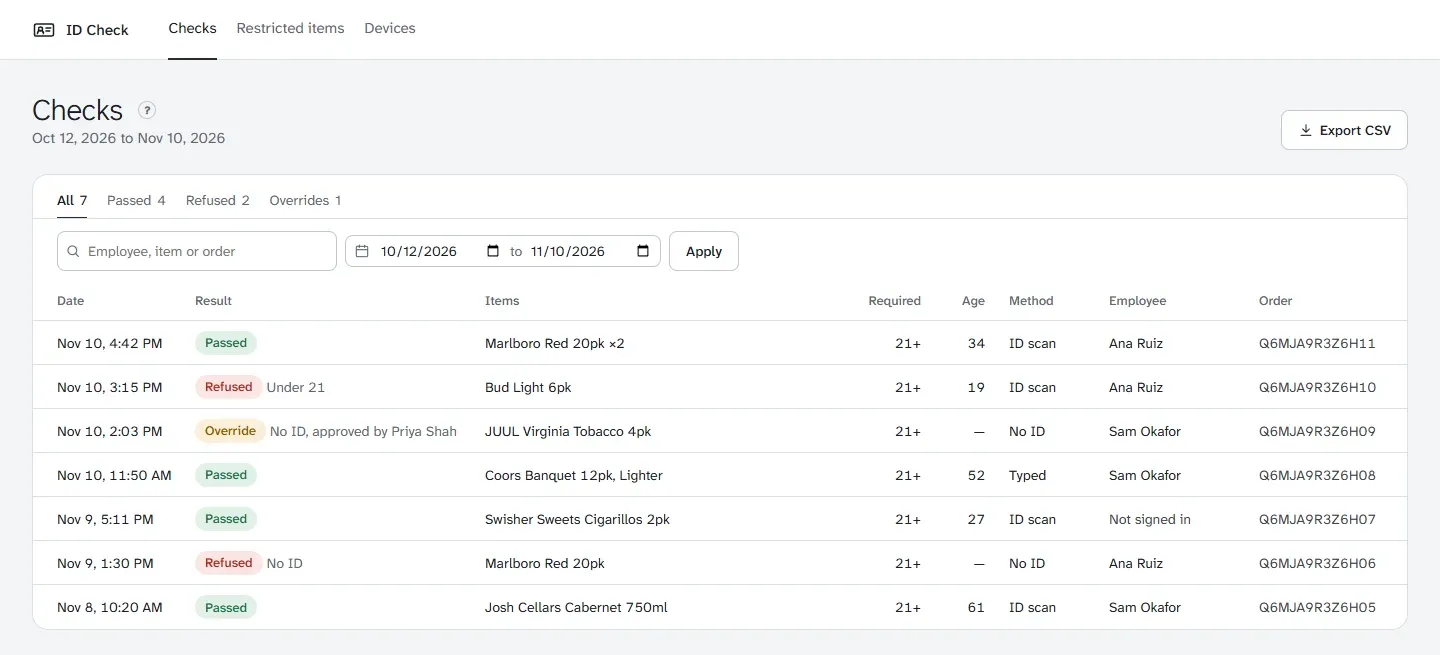
- A log of every check, with search and CSV export. The birth date never leaves the device.
Good to know
Scanning uses the device’s built-in scanner, its camera, or a USB scanner.