What it does
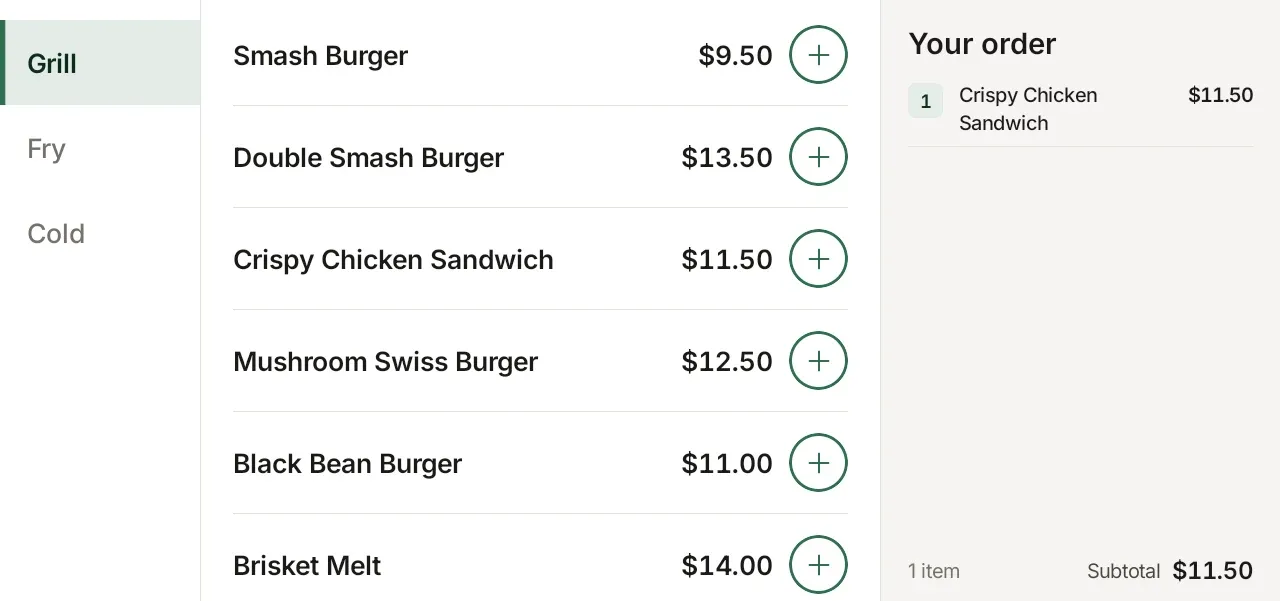
- Menu from Clover: categories, modifiers and stock, with Clover’s prices and tax.
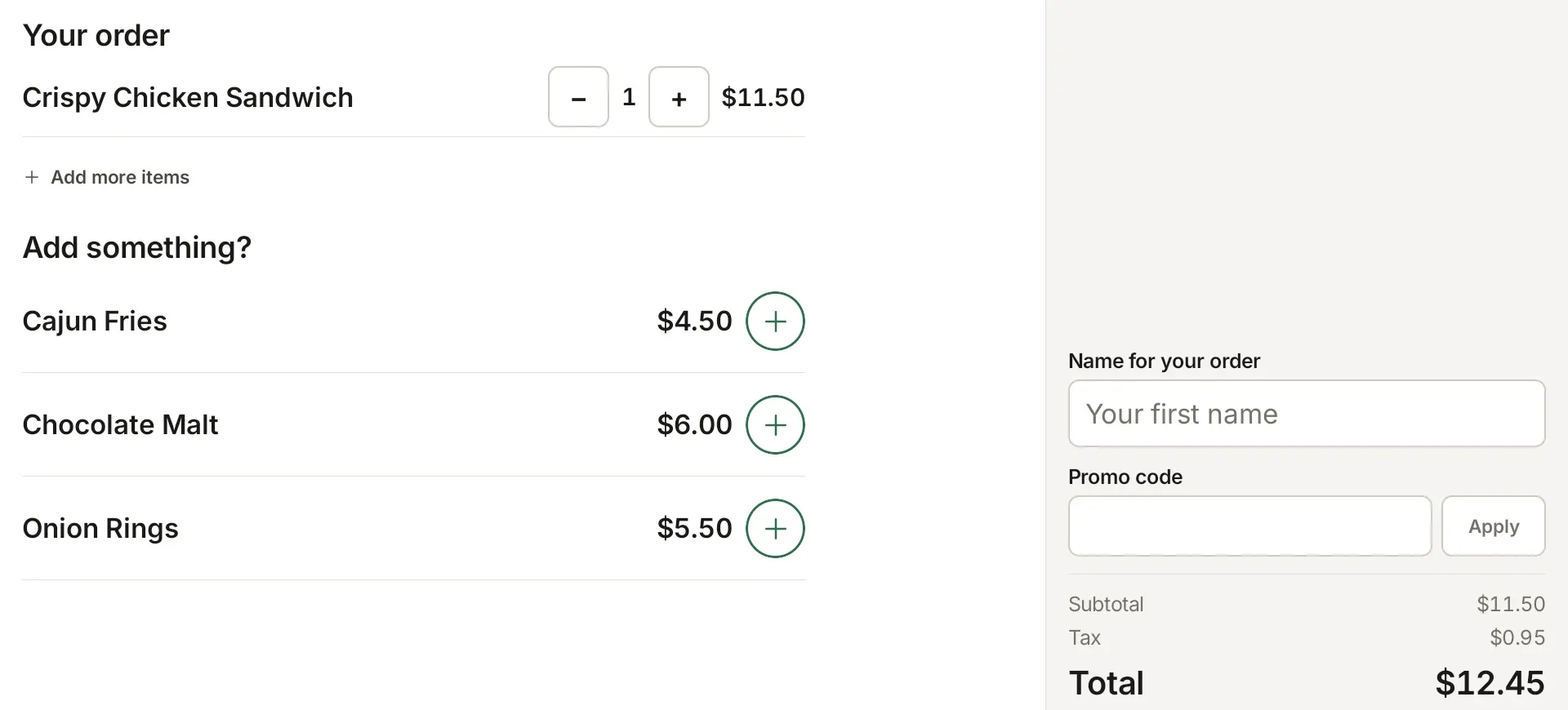
- Customers pay on Clover’s own card screen and get an order number like #12 Sam.
- Dine in or take out, and a note per item.
- A kitchen ticket prints when an order is paid.
- English, Spanish and French for customers.
- Promo codes tied to your Clover discounts.
- Add-on offers before paying, opening hours, pause ordering, and a staff code to leave kiosk mode.
- An optional online ordering page, paid through Clover’s checkout.
Good to know
The kiosk sells fixed-price items only, not items sold by weight or open price. Clover Flex isn’t supported.